Settings
Open Settings in the menu bar and pick a section. Changes are saved as you make them. There is no Save button.
Scope: global or one project
The buttons at the top choose what you are editing:
- Global: the defaults every project uses.
- A project's name: that project's own settings. Where a setting can be overridden, an Inherit from global checkbox shows the global value in brackets. Change the value to override it, and tick the box to go back to the global value.
| Section | Global | Per project |
|---|---|---|
| Appearance | yes | no (applies to every project) |
| Environments | default location | the project's environments |
| Python | default pin for new environments | the default environment's pin |
| uv | yes | yes (auto, bundled or from PATH) |
| Terminal | yes | yes |
| PyCharm | yes | no (applies to every project) |
| Scripts | global scripts | in the project's Scripts tab |
| Env vars | global variables | project variables |
| Indexes | index definitions | which indexes the project uses |
Appearance
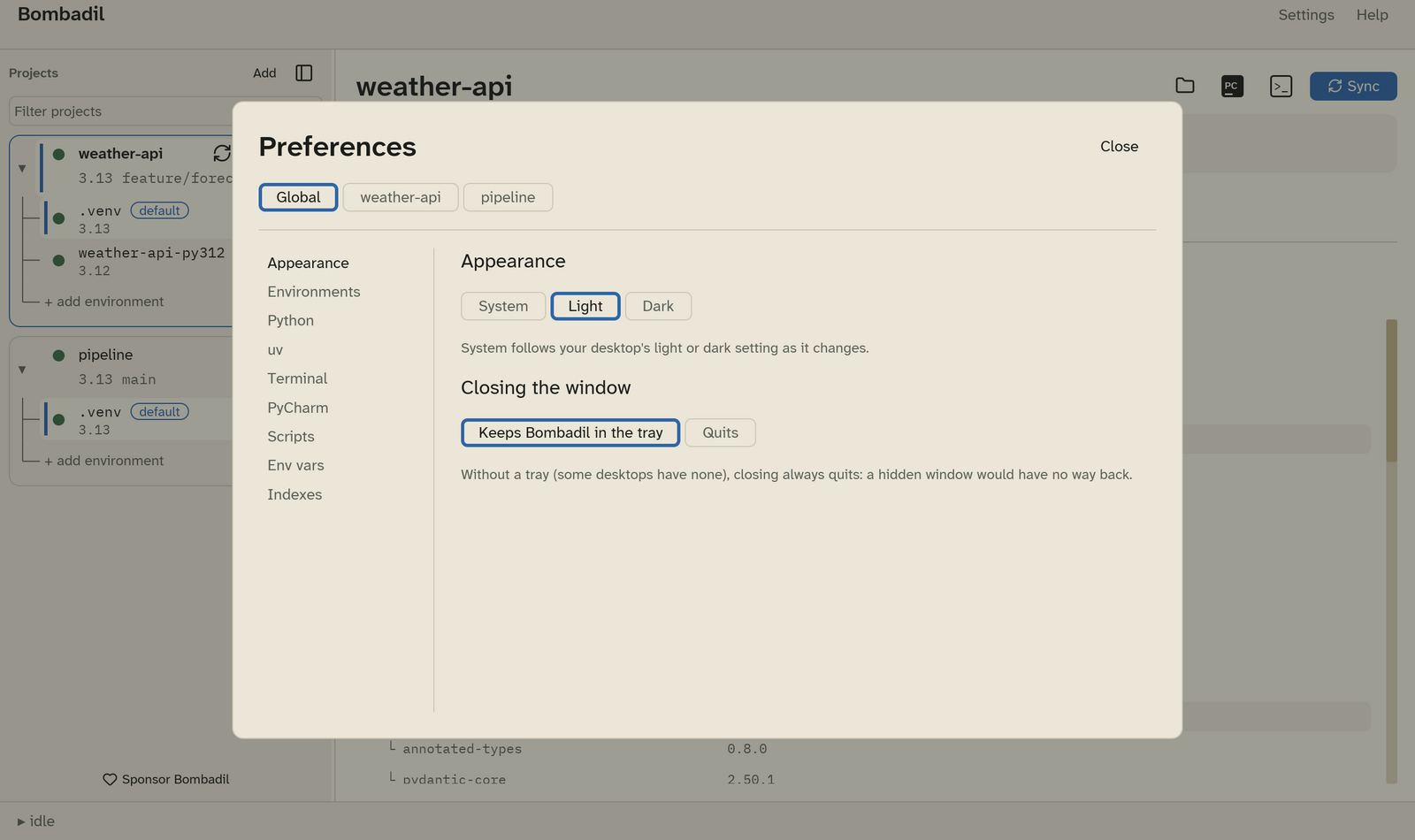
- System, Light or Dark. System follows your desktop's light or dark setting, and changes when it changes.
- Closing the window: Keeps Bombadil in the tray (the default) or Quits. See The tray.
Environments
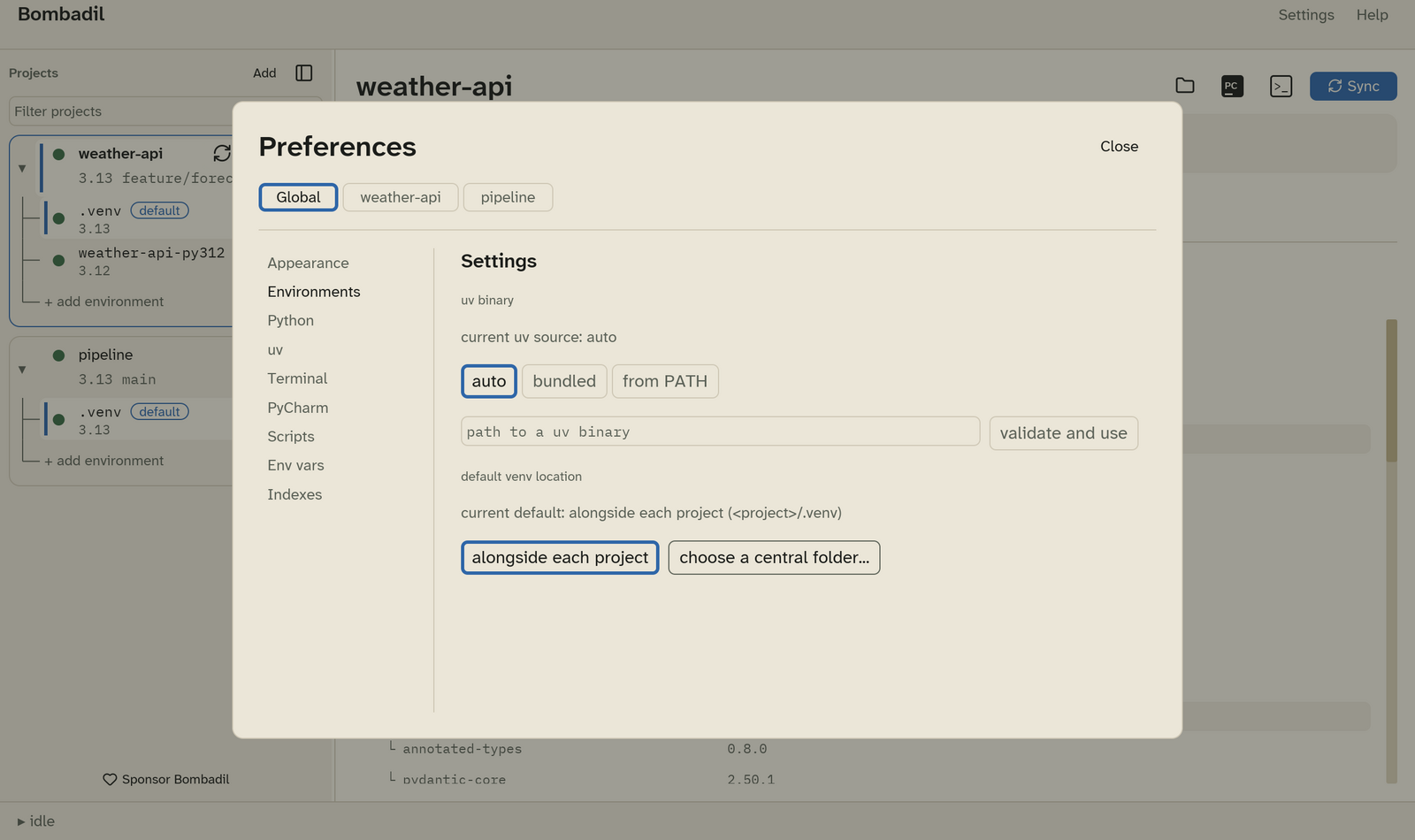
Global scope sets where new environments go by default:
- alongside each project:
<project>/.venv. This is the default. - choose a central folder…: every project gets a folder inside one
directory, named after the project folder plus a short hash of its path,
for example
~/.venvs/weather-api-3f9a2c.
Project scope lists every environment of that project:
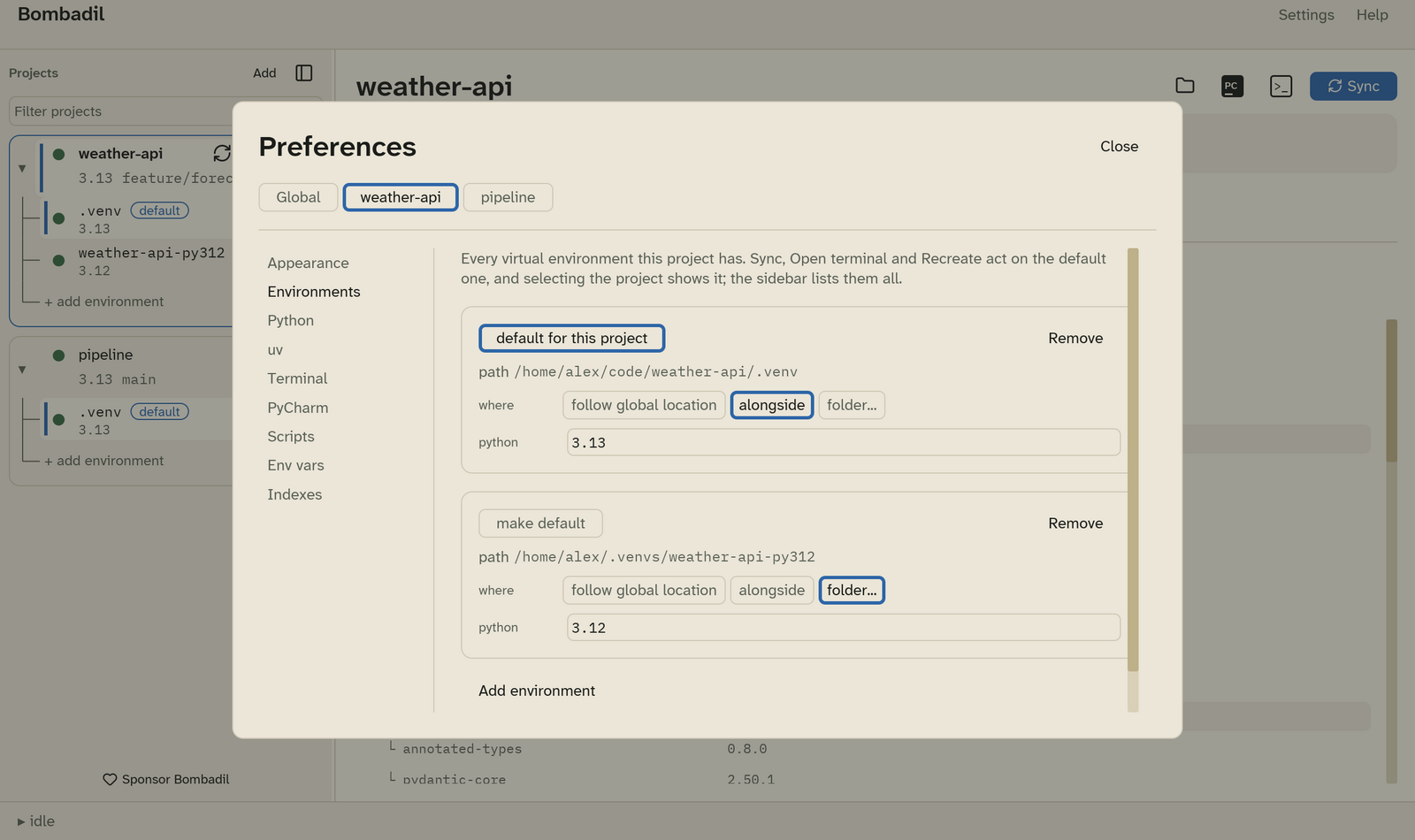
- make default chooses which environment Sync, Open terminal, Recreate, PyCharm and the Dependencies tab act on.
- where: follow global location, alongside, or folder… to pick any folder.
- python: the version this environment is built with, such as
3.12or3.12.13. Leave it empty to let uv choose within the project'srequires-python. - Remove takes the environment out of Bombadil. The folder stays on disk. The last environment of a project can't be removed.
- Add environment adds another one.
Warning
Changing an environment's python deletes it and rebuilds it on the next Sync. Bombadil asks before that Sync runs.
Python
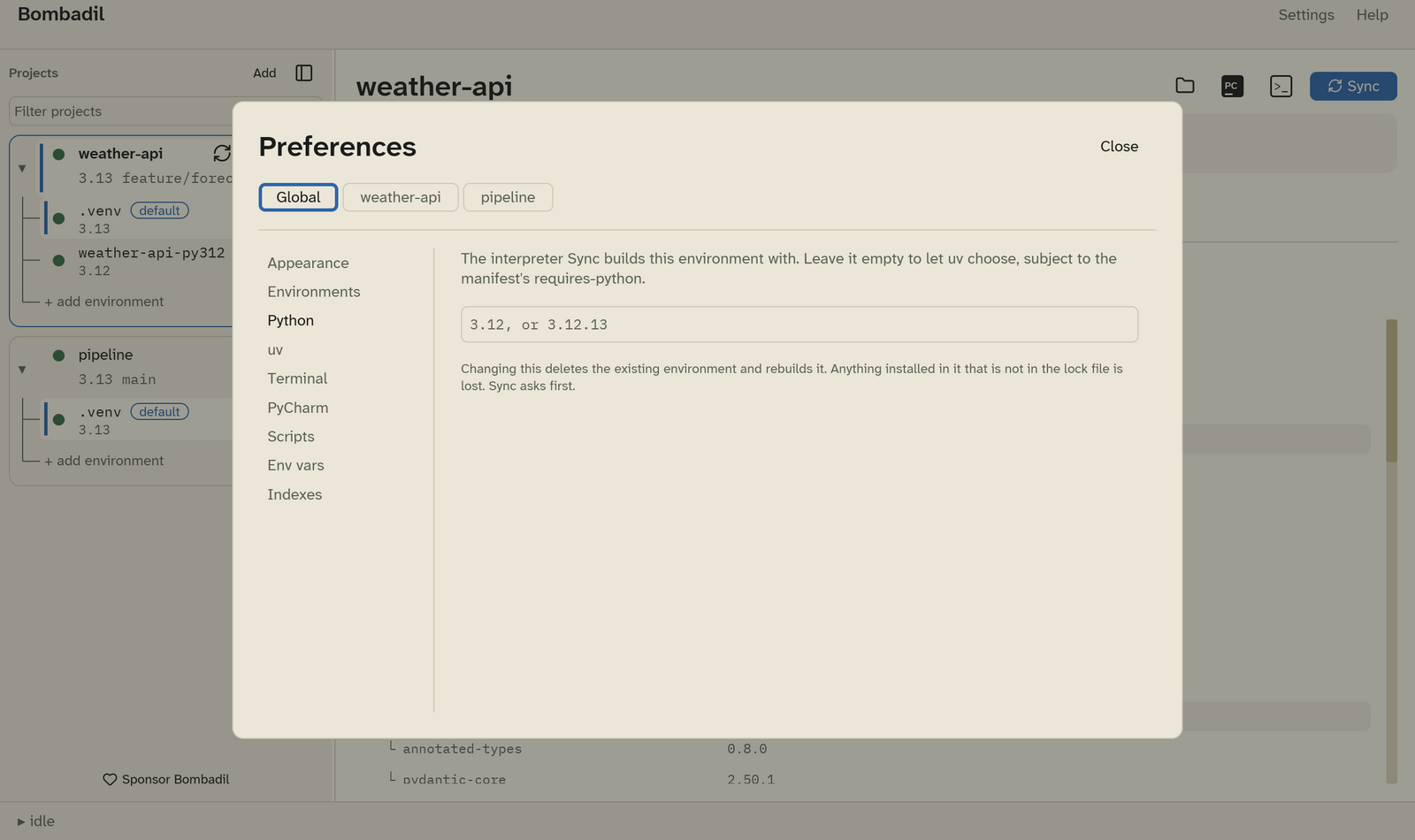
- Global scope: the pin new environments start with. Leave it empty to let uv choose.
- Project scope: the pin of the project's default environment. This is the same value as python under Environments.
Versions are compared segment by segment, so a pin of 3.12 is satisfied by
an environment on 3.12.13.
uv
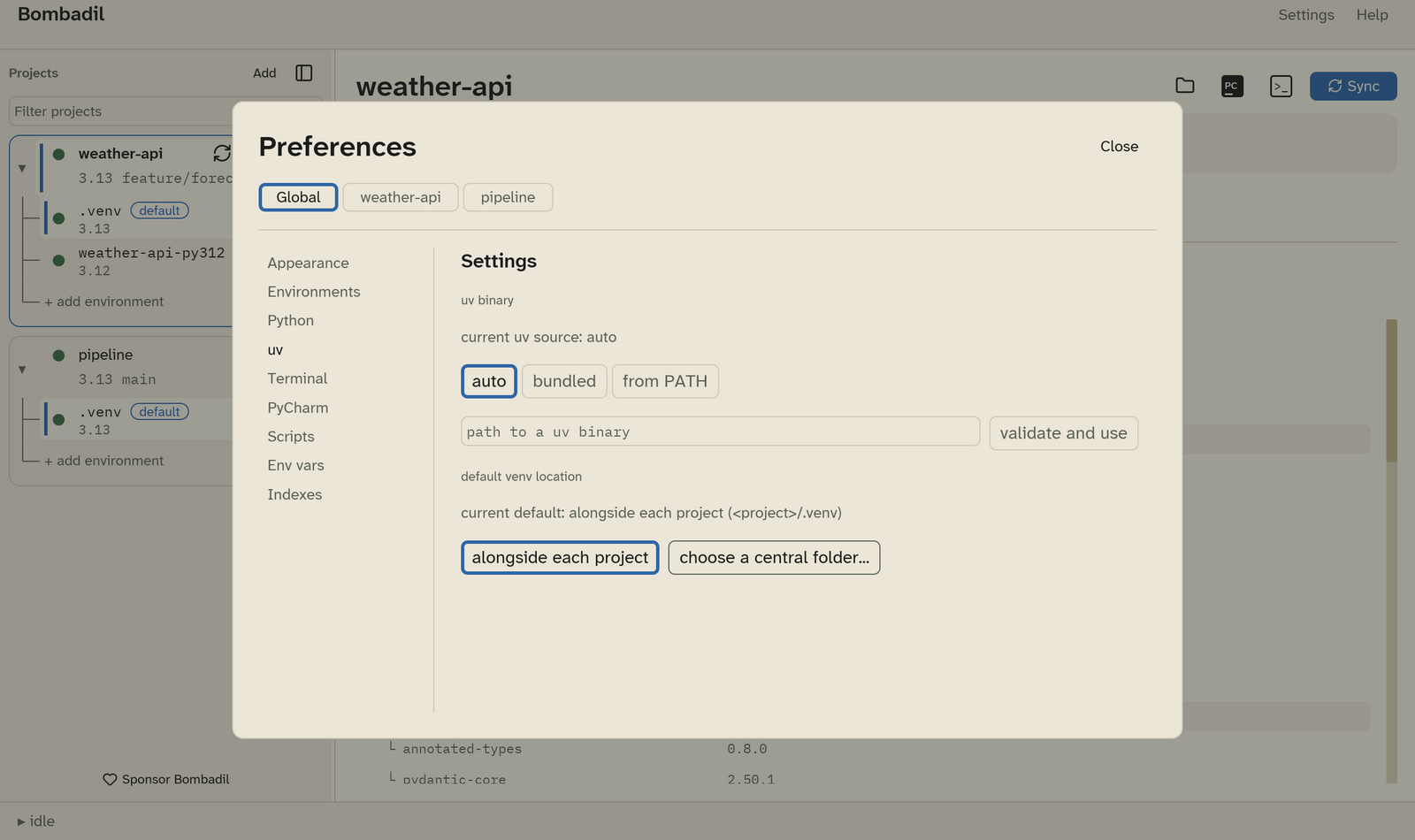
Which uv binary Bombadil runs:
| Choice | Behaviour |
|---|---|
| auto (default) | uv from PATH if it is version 0.12.1 or newer, otherwise the copy bundled with Bombadil. |
| bundled | Always the bundled copy. |
| from PATH | Always uv from PATH. Fails with an error, rather than falling back, if there is none. |
| path to a uv binary | A specific binary. Type its path and click validate and use. Bombadil runs it to check its version before using it. |
In a project's scope you can override the choice with auto, bundled or from PATH. Use this for a project that has to stay on a particular uv. A specific binary can only be set globally, because it is checked before it is trusted.
Terminal
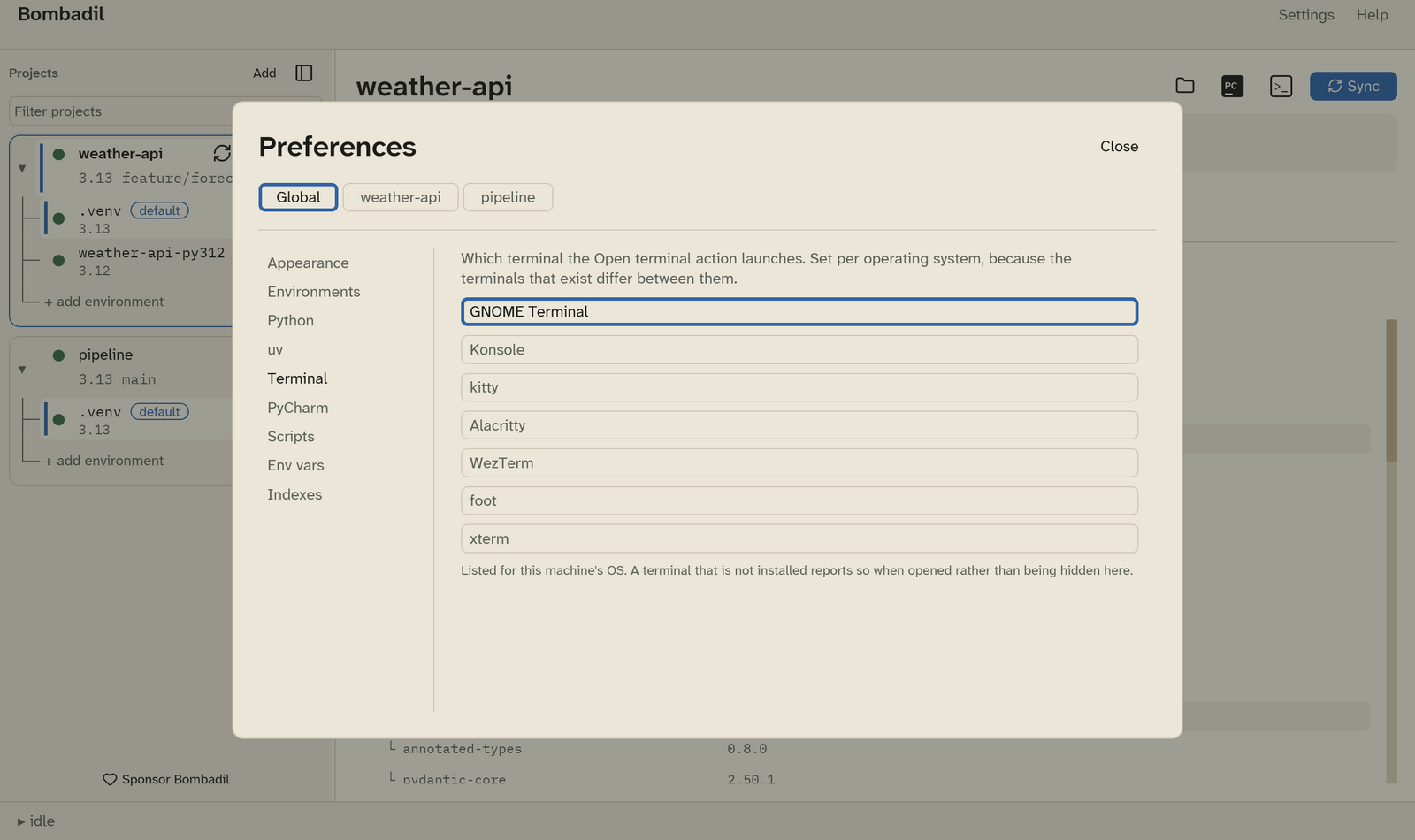
The terminal that Open terminal launches. The list shows the terminals for the OS you are running, with a note next to the ones that can't carry the activated environment. The choice is saved per operating system, so a project shared between machines can use iTerm2 on macOS and Konsole on Linux. See Terminals and PyCharm.
PyCharm
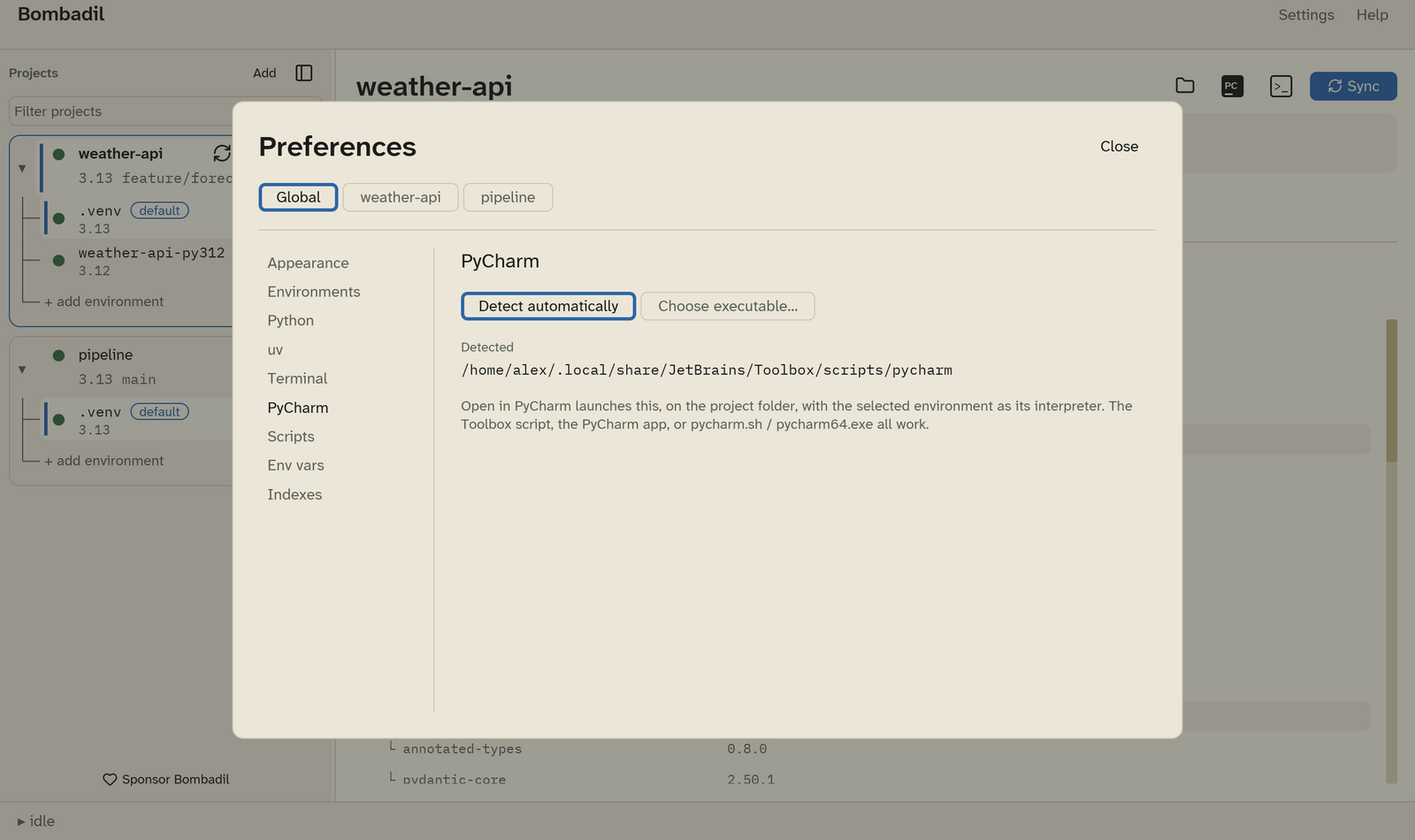
- Detect automatically (default): Bombadil looks in the usual install
locations and on
PATH, and shows what it found under Detected. It looks again each time you open this section. - Choose executable…: pick the PyCharm launcher yourself. This can be the
Toolbox script, the PyCharm app,
pycharm.shorpycharm64.exe. Bombadil launches the file you choose and doesn't detect anything. If the file disappears later, Open in PyCharm says so instead of opening a different PyCharm.
Scripts
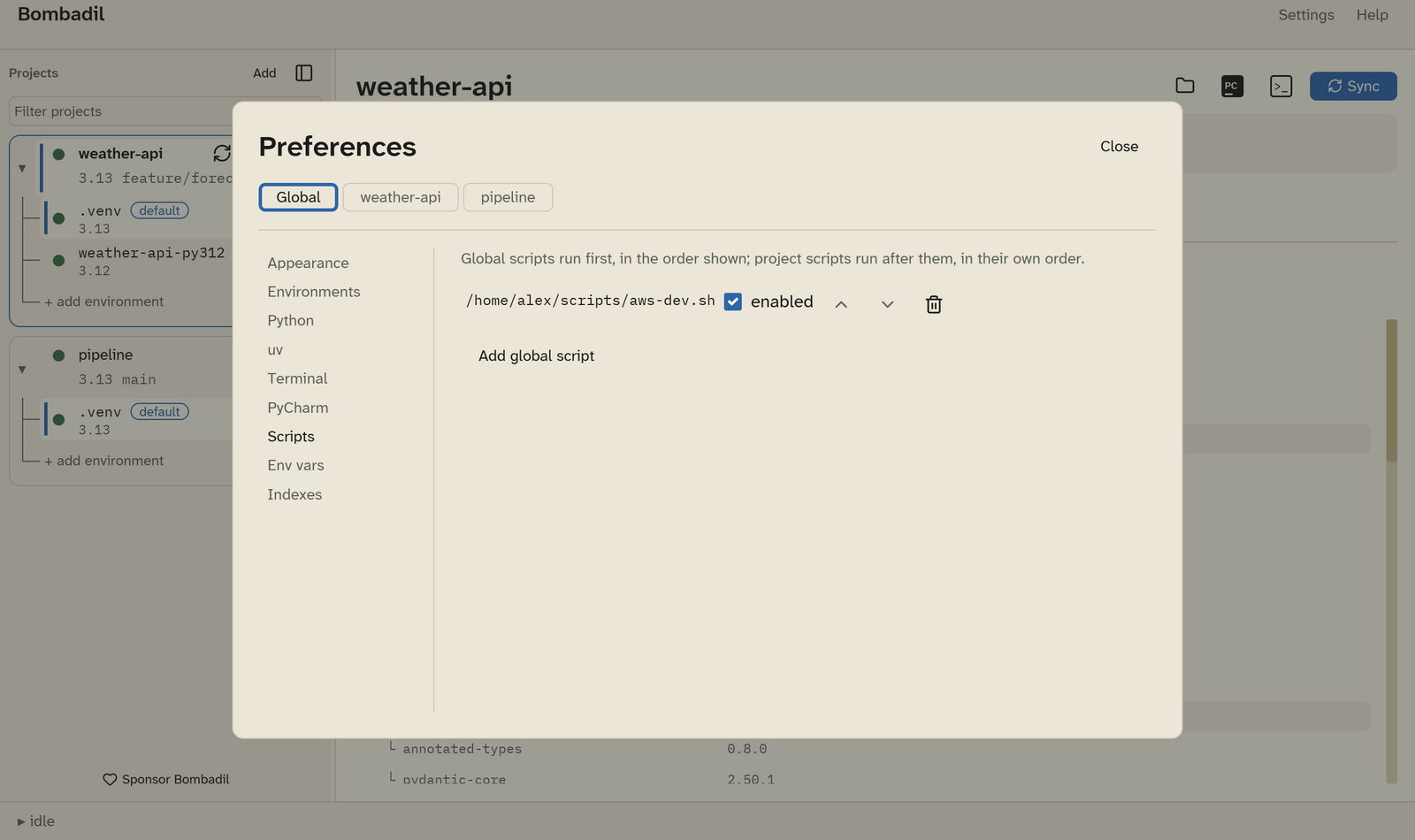
The global pre-activate scripts, which run for every project before that project's own scripts. A project's scripts are edited in its Scripts tab.
Env vars
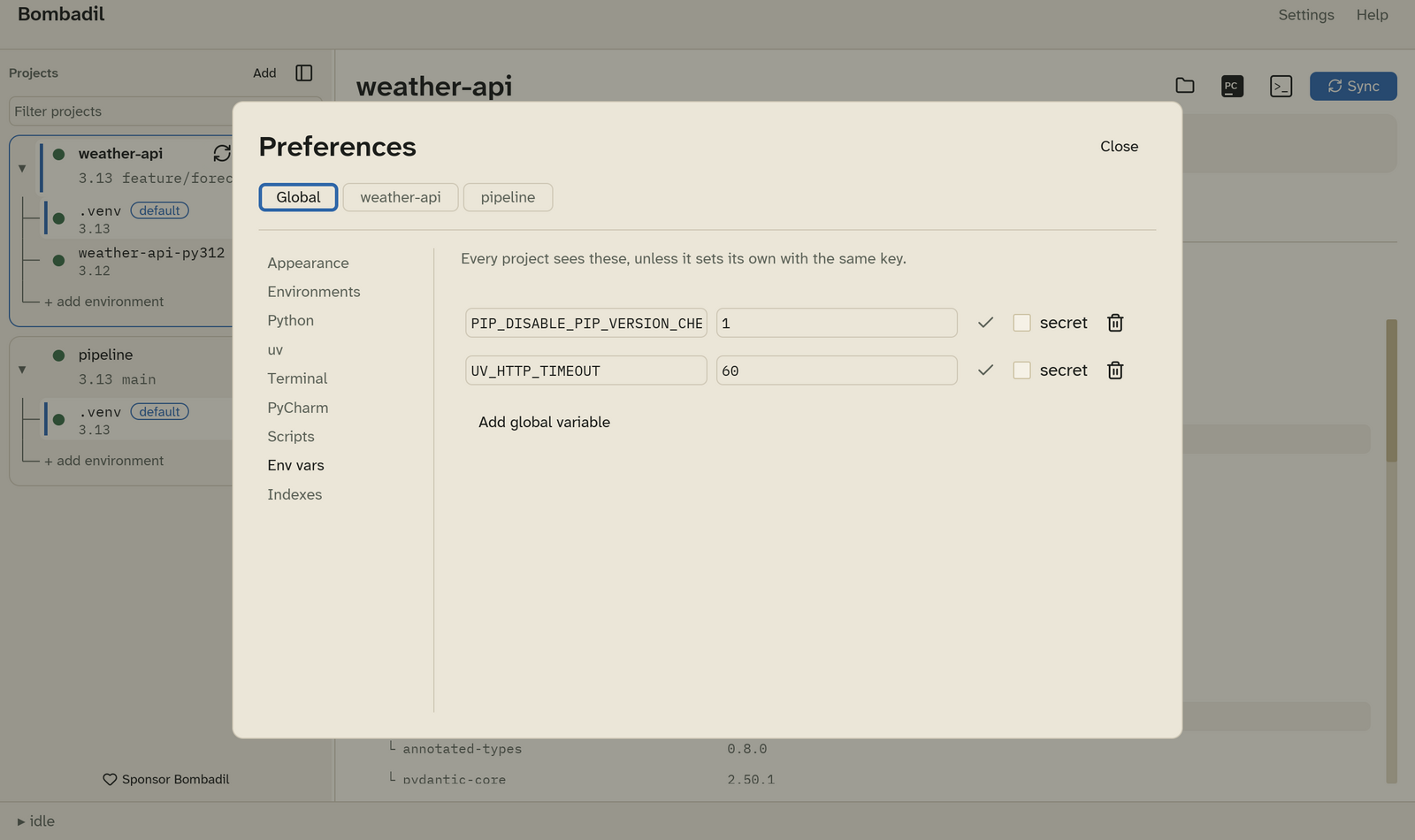
Global environment variables and secrets. In a project's scope, this shows that project's variables, the same as its Env vars tab.
Indexes
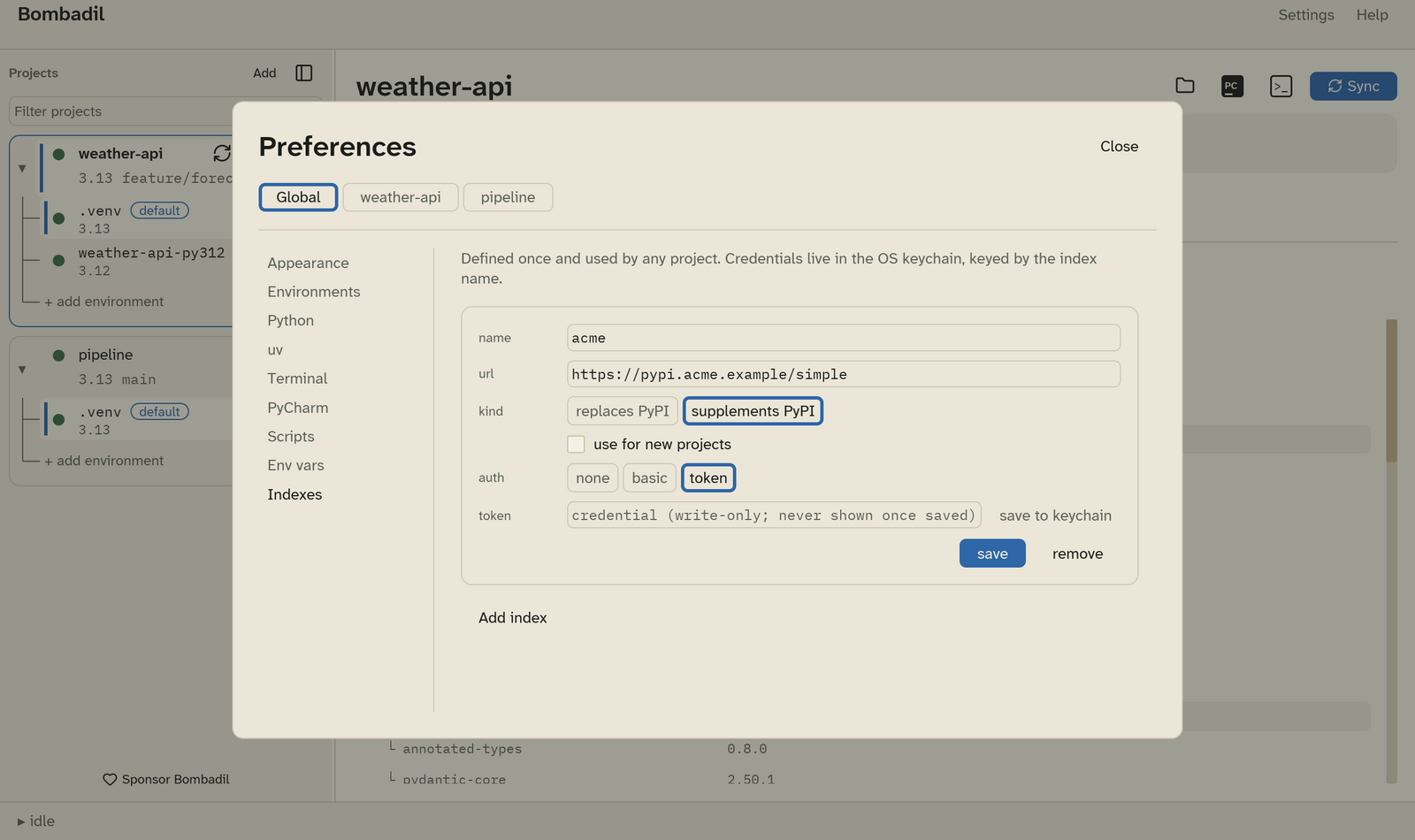
In the global scope, define package indexes and save their credentials to the keychain. In a project's scope, choose which of them the project uses.